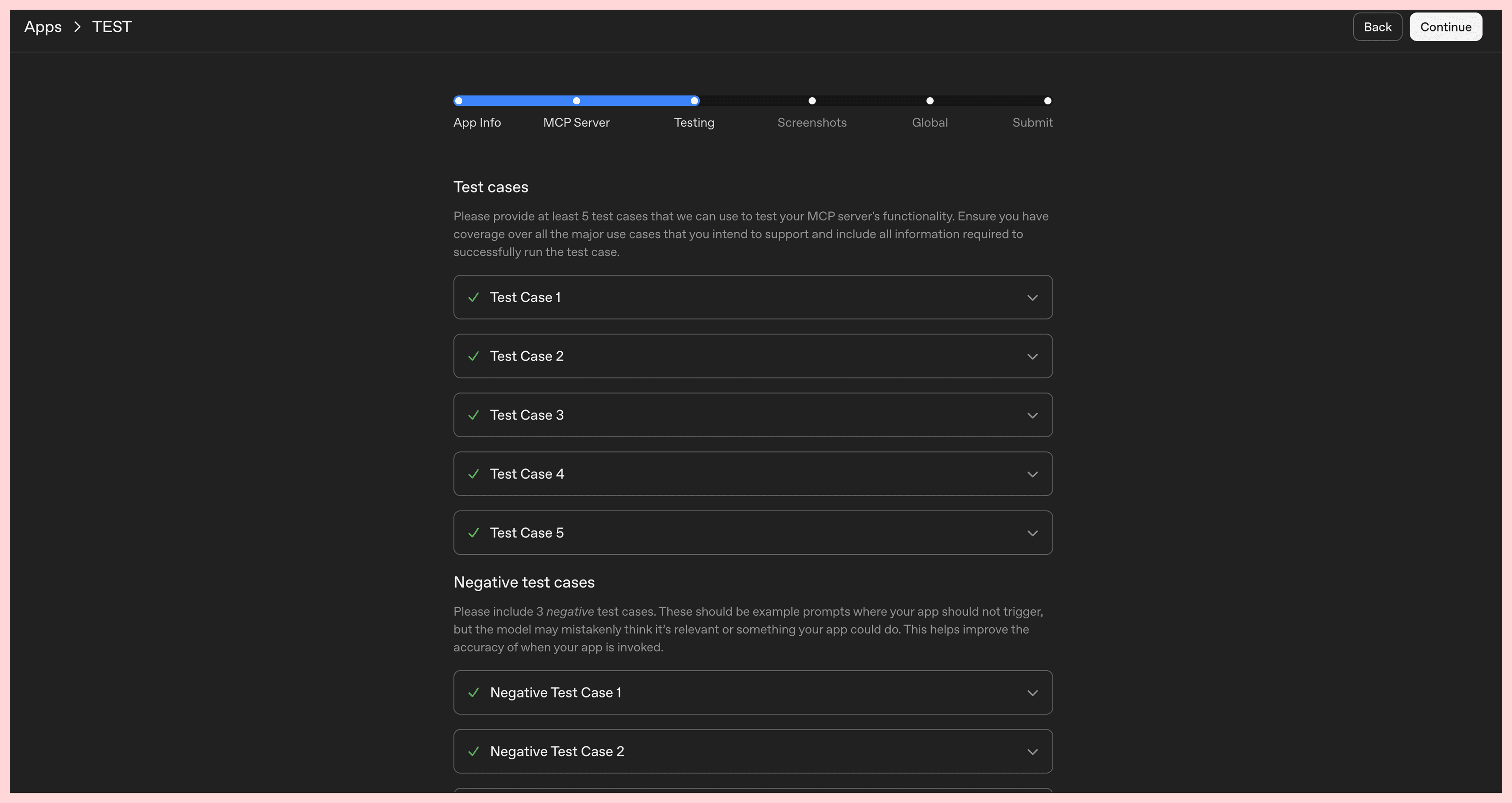
Submit ChatGPT apps - Passing Test Cases
OpenAI recently announced they're opening the ChatGPT app store for app submissions. If you've ever tried publishing a mobile app on the iOS or Google Play store, the process feels familiar where you submit your app, provide screenshots, verify ownership, etc.
Where it differs greatly is the requirement of test cases. In ChatGPT, the LLM chooses when to use and not use an app. OpenAI requires that you provide 5 test cases and 3 negative test cases to ensure the LLM knows when to trigger your app, and how to use the app.
App store approval cycles are lengthy, and a single rejection in your test cases can cost you days of waiting.
OpenAI's platform currently does not provide a way to run test cases. We re-designed MCPJam's evals platform to be suited for ChatGPT test cases, so you can iterate on your test cases and pass when it's time to submit.
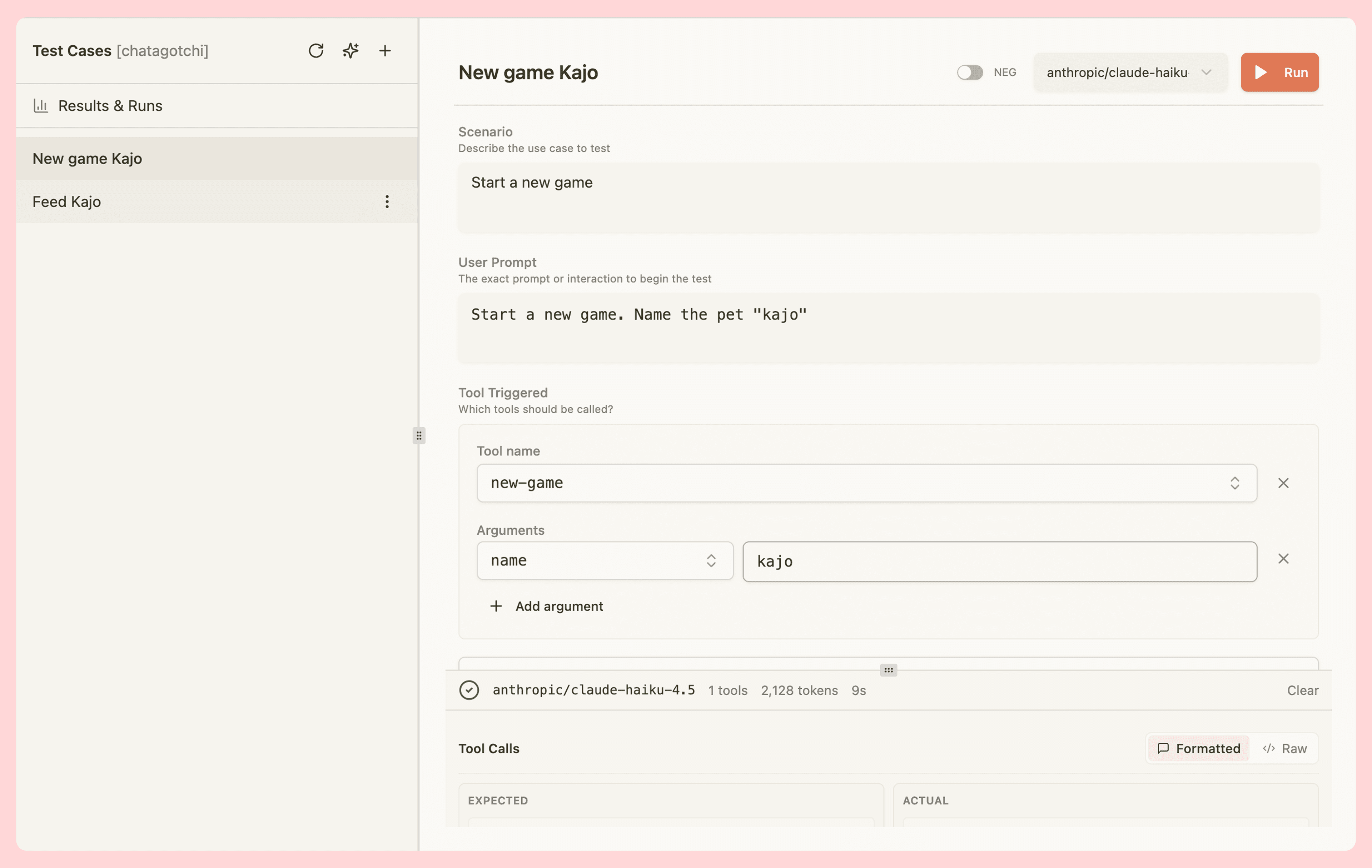
Test cases in MCPJam
You can now run test cases locally in MCPJam, with support for any LLM. Setting up a test case in MCPJam is the same as setting up in OpenAI dev platform.
- Choose between test cases and negative test cases. Create a scenarios, user prompt, expected tool call, just as you would in OpenAI
- We provide the option to auto-generate test cases.
- When running a test case, you can view the entire thread to understand LLM reasoning
We built this feature so you can ensure that your test cases pass before you submit to ChatGPT. We also save your test cases so you can easily re-run them every time you iterate on your app.
Test cases are on the latest version of MCPJam!