Test Skills + MCP in MCPJam
Most of us still use AI chatbots by basic prompting, pasting in content or uploading files to give the LLM more context. These works great at a basic level, but for repeated workflows or specialized work, Claude skills shine.
In a nutshell, skills are additional context that is passed to the model. Think of them like README files that an agent reads when it needs to learn something new. A skill is just a folder with a SKILL.md file inside. Skills turn agents into specialized workers. Skills' format is very simple and the community around it is growing. Skills are here to stay. For more information about them we recommend checking out the official documentation.
Pairing Skills with MCP
While skills provide specialized context to the agent, MCP provides the agent with tools. We're seeing a growing trend of people using skills paired with MCP servers. There are skills that teach the agent how to use the MCP server tools and guide the agent to completing complex workflows.
We're also seeing Anthropic encourage the use of Skills + MCP in their products. Anthropic recently launched the connectors marketplace. Many of the apps in the connectors marketplace, such as Figma, Sentry, Atlassian, Cloudflare, and more advertise the use of Skills alongside their MCP connectors. Anthropic is encouraging developers to include Skills when submitting their connectors to the marketplace.
A great example of this is the Figma connector + skills. The Figma skill teaches the agent how to use the Figma MCP connector to set up design system rules. It provides step by step instructions on how to use the tools, and some debugging tips to guide the agent when things don't work.
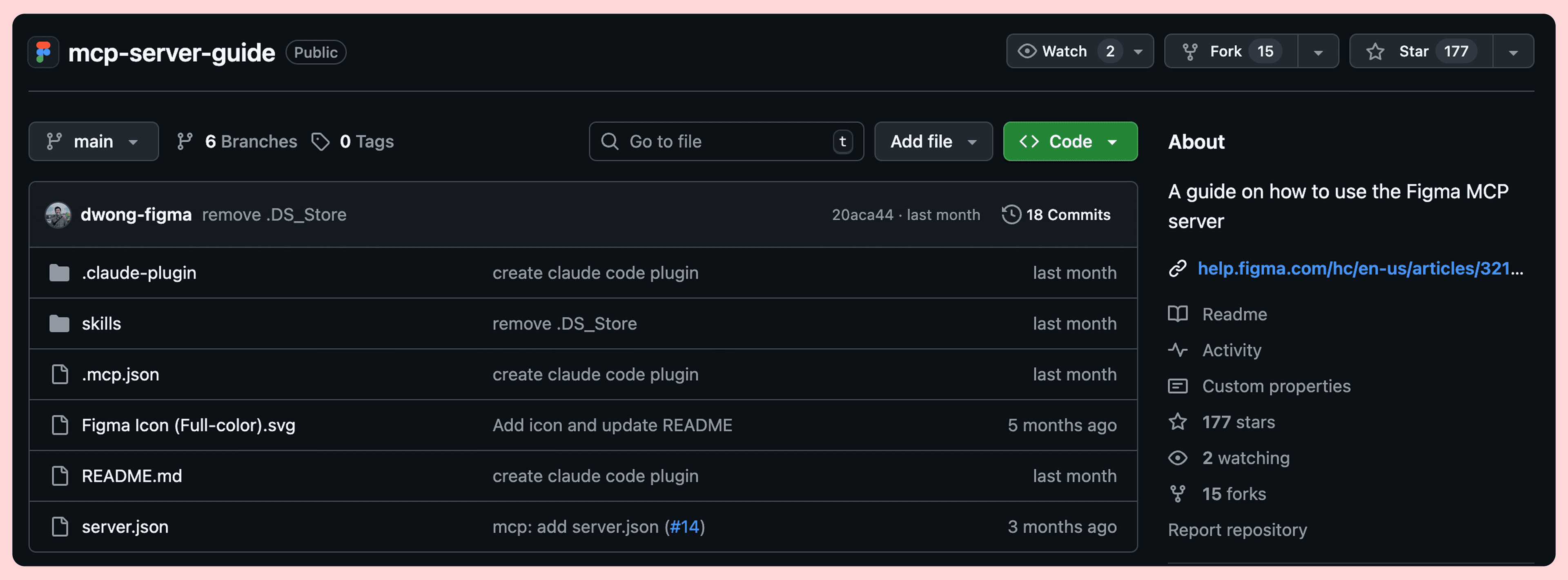
Anthropic encourages Skills
Skills have been part of the Claude ecosystem for some time. Skills extend what Claude can do and their custom plugins offer a way to combine skills with MCP servers.
This week Anthropic launched its connectors marketplace. This gives us a glance as to how skills can be coupled with MCP servers. Also, skills are recommended to be uploaded with your server when submitting your own connector.
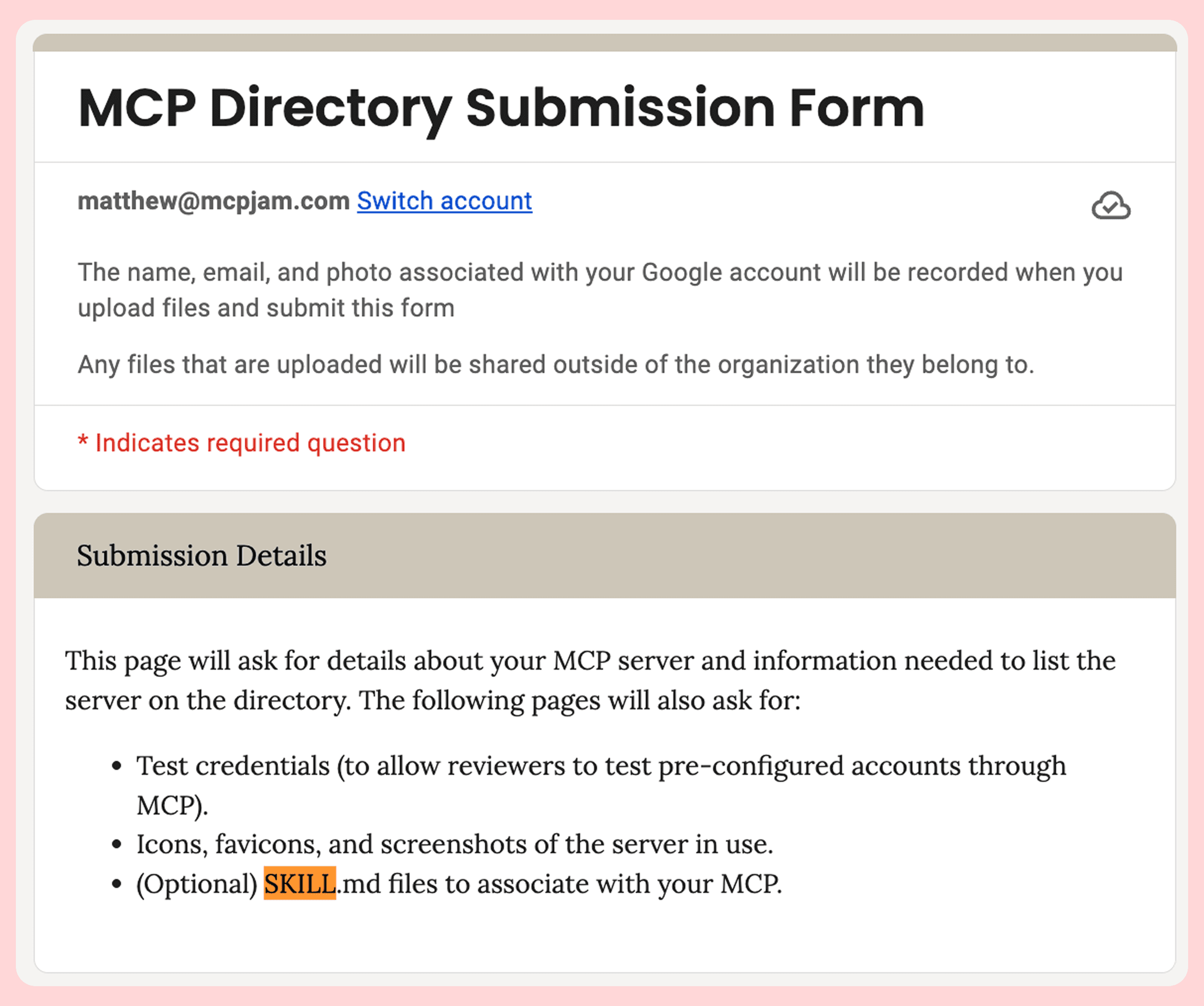
Testing Skills + MCP locally
The use of Skills + MCP pairing is growing, and we recommend MCP server developers to start thinking about writing skills that complement their MCP server. Today, we're releasing two features around skills to help you test skills + MCP pairing.
Skills viewer
In MCPJam, you can now view your skills beautifully in the skills tab. MCPJam lets you upload skills directly, which are then saved to your local skills directory.
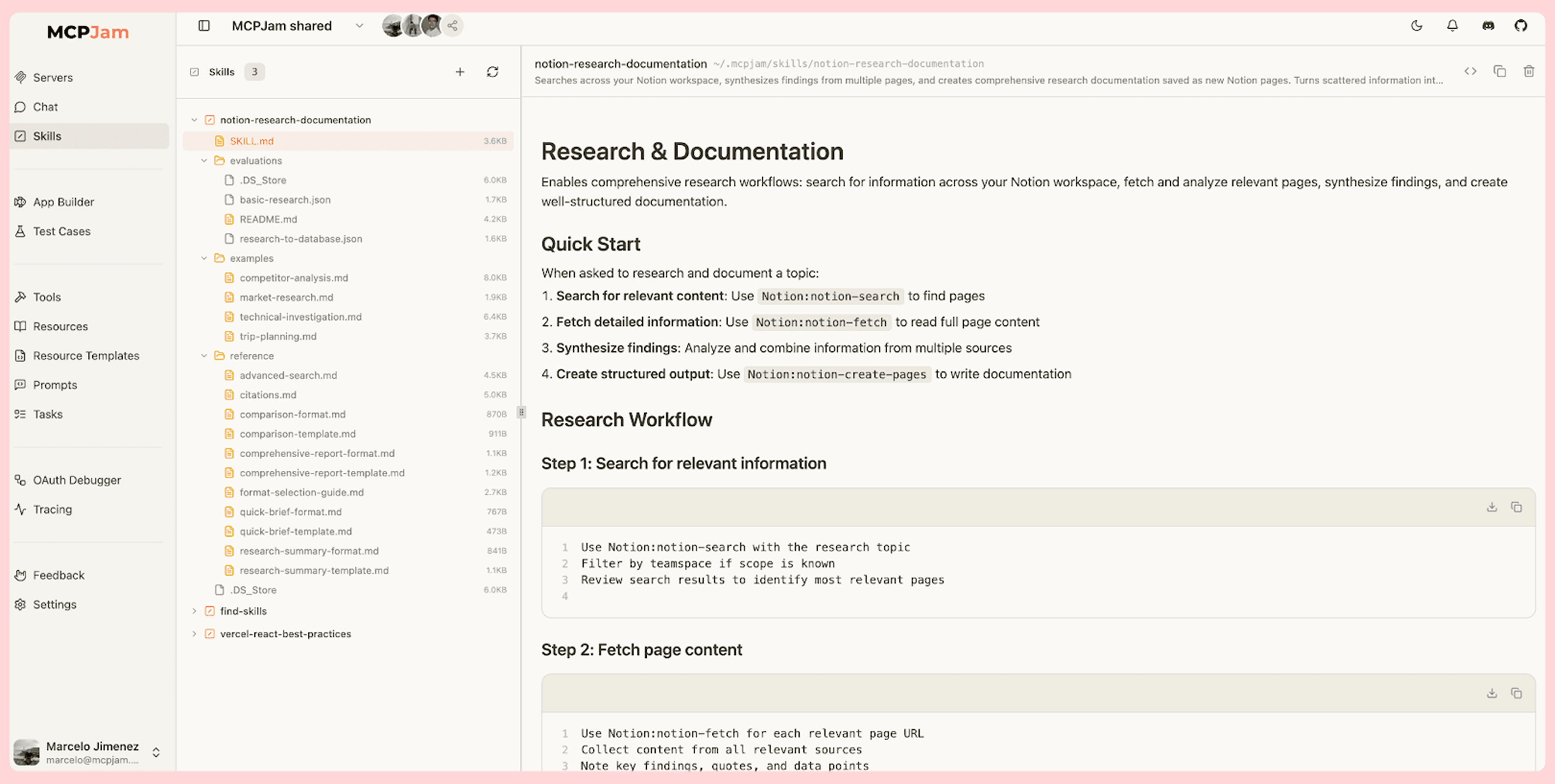
You can upload skills to MCPJam directly, but it also discovers skills from these directories:
# Global
~/.claude/skills/
~/.mcpjam/skills/
~/.agents/skills/

# Project-local
./.claude/skills/
./.mcpjam/skills/
./.agents/skills/
If you have no skills to load try using npx skills, which should handle the installation for you smoothly.
Skills in the LLM playground
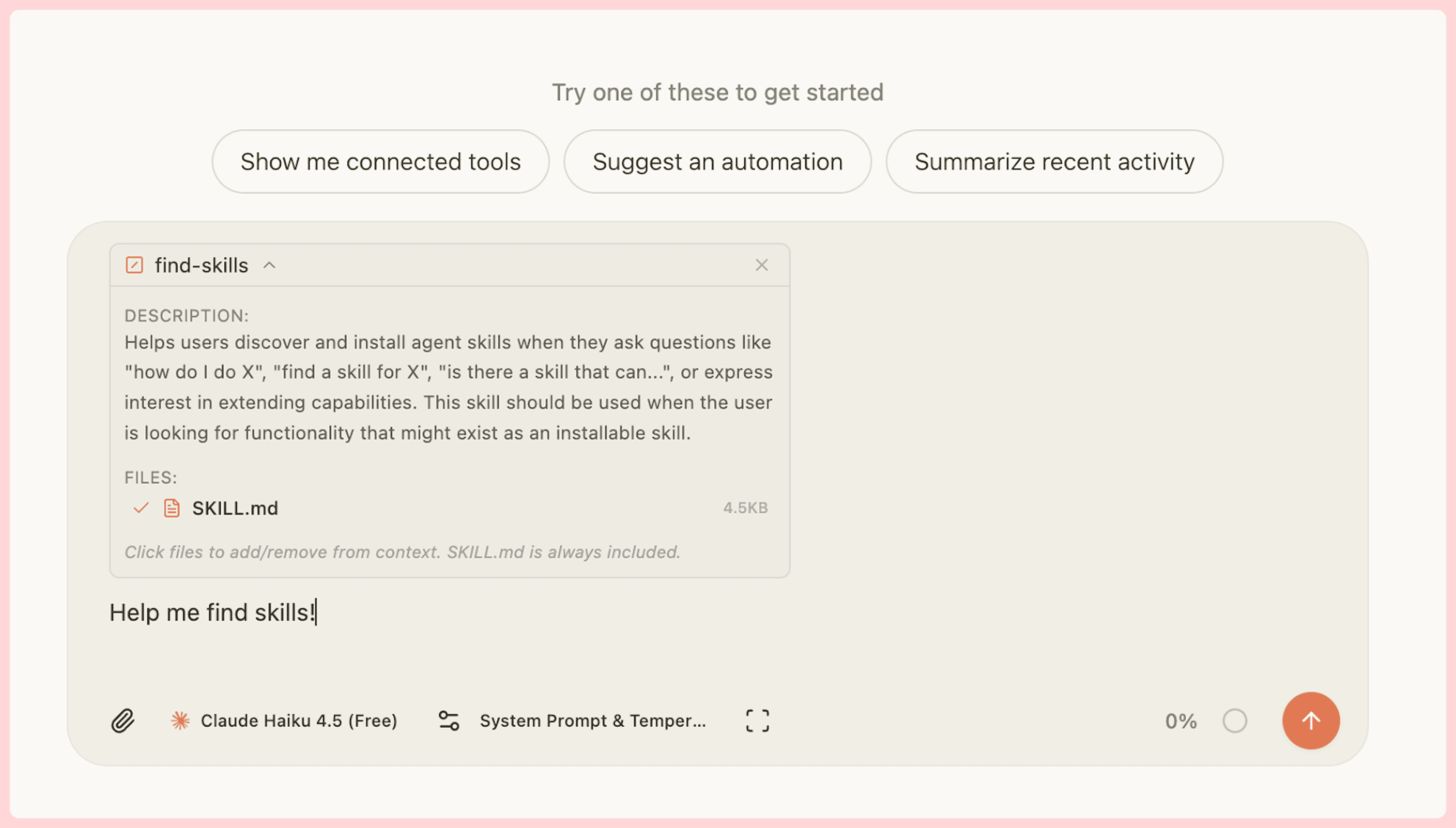
You can now test your skills paired with your MCP server in MCPJam's LLM playground. We've created a tool that contextually fetches your skills so they get loaded into the chat. If you want more control, you can also deterministically inject them with a "/" slash command.
Get started on MCPJam
For context, MCPJam is the open source inspector alternative to test MCP servers, ChatGPT apps SDK, and MCP apps. You can start up MCPJam with the npx command below, or download the Mac or Windows desktop apps.
npx @mcpjam/inspector@latestWhat's next for MCP + Skills
We believe that context (Skills) + tools (MCP) translates to real work. Today, the Skills ecosystem reminds us of how MCP looked a year ago (hard to set up, hard to discover, insecure...), but we're optimistic that the standard will mature. We'd like to see them added to the official protocol as a primitive and possibly occupy the use case Prompts were trying to address.
This is our first attempt at this new workflow, but rest assured this is the direction we want to follow. Any feedback is greatly appreciated!