MCP Inspector V2 Guide: Setup, Debugging & Alternatives
In this guide13 sectionsHide
The Model Context Protocol (MCP) standardizes how AI agents connect to data and tools. The official MCP Inspector is the MIT-licensed, open-source toolkit for testing MCP servers locally: you connect to a server and manually call its tools, resources, and prompts to confirm they behave the way you expect, before wiring it up to a real client. Its latest major version, Inspector V2, was officially released in July 2026, signaling a broader trend toward wider industry adoption and tooling maturity that we are incredibly excited to see.
With Inspector V2, you get a ground-up rewrite distributed as a single package with three interfaces (Web, CLI, and TUI) built on one shared core. It also goes further into protocol conformance, OAuth, and MCP Apps rendering than the classic Inspector did.
This guide walks you through what V2 is, how it differs from V1, how to install and use it across all three interfaces, and where it falls short of a full pre-production testing platform. You'll also get a look at the wider ecosystem of MCP testing and deployment tools.
TL;DR
- Inspector V2 is a ground-up rewrite, distributed as one package with Web, CLI, and TUI clients that share a common core.
- It supports both legacy and modern MCP behavior, including the newer stateless protocol era, MCP Apps, Tasks, expanded OAuth, and dedicated Protocol and Network debugging views.
- It persists your server and OAuth configuration across sessions, but its core workflow centers on one active server connection and manual or one-shot protocol calls.
- V2 won't run your server against a real model, compare models, track accuracy over time, or gate a release. That's what MCPJam is built for. If Inspector V2 is where you confirm a server works, MCPJam is where you confirm it is ready to ship.
What is MCP Inspector V2?
Inspector V2 lets you test tool calls against your MCP server locally, and it does that through deterministic testing. You pick a tool from the list, fill in its arguments by hand and the Inspector sends that exact call to your server over the protocol, then shows you exactly what came back. It's the same idea as Postman or a browser's Network tab, just built around MCP's protocol instead of REST.
In practice, that's the tool you reach for when you:
- Are building an MCP server and want to confirm a tool, resource, or prompt works correctly before pointing a real client at it
- Need to debug a failing tool call by reading the raw request and response instead of guessing from an integrated host's error message
- Are implementing OAuth on a server and want to walk through the authorization flow by hand
- Want to preview how an MCP App renders and behaves before shipping it
- Are exploring an unfamiliar server's schema without writing a client from scratch
Swipe to inspect the full diagram →
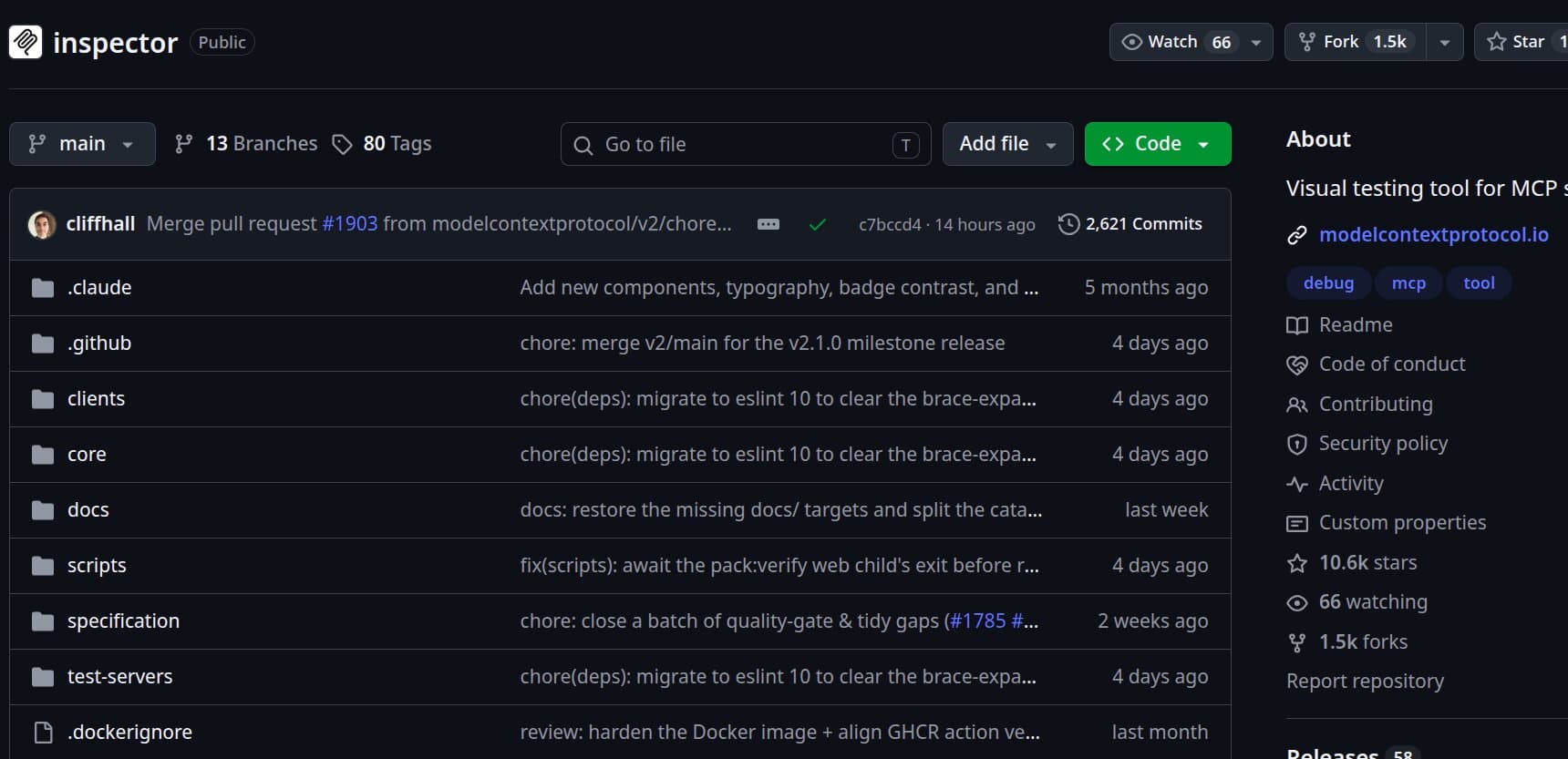
It's the official MCP development and inspection toolkit, distributed as one npm package and accessible through three clients:
Scroll code horizontally →
npx @modelcontextprotocol/inspector          # Web UI
npx @modelcontextprotocol/inspector --cli    # CLI
npx @modelcontextprotocol/inspector --tui    # Terminal UI
All three run on a shared Inspector Core, which keeps protocol handling, authentication behavior, and server resolution consistent no matter which interface you use. V2 also supports both the legacy MCP protocol era and the newer, stateless modern era, so it works whether you're testing against an older server or a fully current one.
V2 handles inspection and debugging well, and its CLI is scriptable enough for basic checks. What it doesn't do is tell you whether your server holds up against a real client and model combination in real use.
It won't run your prompts through a real client and model to check whether that combination selects the right tool, and it's not built to store evaluation history, a record of how tool-selection accuracy changes across prompts and releases, or gate a release based on accuracy, meaning block a deploy until results clear a set threshold.
What changed from Inspector V1 to V2?
Inspector V2 is a full rewrite, and V1 is now deprecated. The most critical takeaways for developers are the shift to a single shared package, persistent server catalogs, a new interactive terminal UI (TUI), and vastly expanded OAuth support.
This means you can configure a server once and reuse it from any of the three clients without redefining it, work entirely from the terminal when you don't want to open a browser, and walk through an OAuth flow the same way no matter which client you're in. The table below breaks down how that plays out at the architecture, stack, and interface level:
Swipe to see all columns →
| Area | Inspector V1 | Inspector V2 |
|---|---|---|
| Server configuration | Config files could describe multiple servers | Persistent Inspector-owned catalog at ~/.mcp-inspector/mcp.json, with Web CRUD and shared resolution across all three clients |
| MCP spec coverage | Primarily the session-oriented 2025 model | Legacy and modern eras; the modern one is stateless |
| Multi-server behavior | Configs could list several servers, but inspection was one server at a time | Persistent catalog, but one active connection at a time (unchanged from V1) |
| Protocol debugging | JSON-RPC history and manual controls | Dedicated Protocol, Network, Console, Logging, Tasks, Apps, Tools, Resources, and Prompts surfaces |
| OAuth | Existed, largely tied to the Web Inspector | Shared OAuth infrastructure across all three clients, including persistent state, Enterprise-Managed Authorization, and mid-session recovery |
| MCP Apps | Early app-rendering support | Dedicated Apps screen with sandboxed rendering, logs, and lifecycle status |
| Product architecture | React client plus a separate Node proxy | One package containing Web, CLI, and TUI clients over shared Inspector Core |
| Interfaces | Web UI and a basic CLI | Web UI, scriptable CLI, and interactive TUI |
| Web stack | React frontend and Node proxy | Vite, React, and Mantine SPA with a small Hono backend |
| Default ports | Client on 6274, proxy on 6277 | Web container exposes 6274 only |
| Local API auth | MCP_PROXY_AUTH_TOKEN | MCP_INSPECTOR_API_TOKEN |
| CLI | Basic protocol commands | Rebuilt on the shared core, but remains predominantly connect, run one method, disconnect |
| Terminal interface | None | New interactive Ink-based TUI |
Architecture, installation, and first connection
V2 has a browser half and a server half, but the underlying architecture differs from V1's client-and-proxy split. The Web client is a Vite, React, and Mantine single-page app backed by a small Hono server. All three clients (Web, CLI, TUI) sit on top of shared Inspector Core logic rather than each reimplementing protocol handling independently.
Running V2 requires Node.js 22.19.0 or newer. The zero-install path is the simplest way to get started:
Scroll code horizontally →
# Web UI

npx @modelcontextprotocol/inspector

# Web UI against a local STDIO server

npx @modelcontextprotocol/inspector node build/index.js

# CLI, one-shot call

npx @modelcontextprotocol/inspector --cli node build/index.js --method tools/list

# Interactive terminal UI

npx @modelcontextprotocol/inspector --tui node build/index.js
For CI or isolated environments, you can run the official Docker image:
Scroll code horizontally →
docker run --rm -p 6274:6274 ghcr.io/modelcontextprotocol/inspectorV2's Web client is a single Node application, with its Web UI on port 6274 by default. There's no separate 6277 proxy port to map.
The local API token is MCP_INSPECTOR_API_TOKEN, replacing the old MCP_PROXY_AUTH_TOKEN.
Before your first connection, know two flags. --config points at a read-only session configuration file, while --catalog points at a writable server collection that the Inspector itself can add to and edit.
Web, CLI, and TUI: choosing the right interface
Since all three clients share the same core, the choice comes down to workflow rather than capability gaps.
Web is the strongest option for visual work:
- Browsing tool and resource schemas
- Rendering MCP Apps
- Walking through an OAuth flow
- Reviewing protocol and network traces
- Managing the server catalog through a UI
The CLI is built for scripts and quick checks. It can list or invoke tools, resources, and prompts, work with catalog entries, and slot into basic CI connectivity checks.
The V2 CLI is fundamentally a connect, run one method, disconnect client. This matters when comparing it against a purpose-built evaluation CLI, since the Inspector CLI is not designed to store test suites or compare runs over time.
The TUI is a new addition in V2. It's an interactive Ink-based terminal interface with its own Tools, Resources, Prompts, Protocol, Network, Console, and OAuth views. It's suitable if you want to explore a server interactively without leaving the terminal or opening a browser.
Server catalogs, transports, and protocol compatibility
V2 introduces a persistence layer that V1 never had. Server definitions live in a catalog file at ~/.mcp-inspector/mcp.json, which the Web UI can create and edit directly. The CLI and TUI resolve from this file as well.
Add a server once through the Web UI, and it's available the next time you launch the CLI or TUI. No need to redefine it each session.
V2 continues to support STDIO for local subprocess servers, Streamable HTTP for remote servers, and legacy SSE for backward compatibility. The CLI documentation explicitly covers both HTTP and SSE remote connections.
Inspector V2 doesn't expose a WebSocket transport. MCP standardizes STDIO and Streamable HTTP while permitting custom transports, so WebSocket support would be an Inspector implementation choice, not a protocol requirement.
The concept of a Protocol Era is new in V2. Inspector V2 can negotiate auto, modern, or legacy behavior. Modern mode targets MCP's current protocol revision, where HTTP calls are sessionless. The old initialize and initialized handshake is replaced by request-level metadata and a server/discover call, and requests are routed using Mcp-Method and Mcp-Name headers.
Multi-round interactions rely on a new input-required retry model instead of holding open a persistent SSE channel.
Inspecting tools, resources, prompts, tasks, and MCP Apps
Once connected, V2 organizes a server's surface into several dedicated views rather than the shorter tab list V1 offered:
- Servers, for managing the persistent catalog
- Tools, for inspecting schemas and executing calls manually
- Resources, for browsing content and subscriptions
- Prompts, for inspecting and invoking prompt templates
- Tasks, for watching long-running task behavior
- Apps, for rendering and interacting with MCP Apps
The Apps screen is one of the bigger additions. It gives you sandboxed rendering, app-level logs and messages, visible lifecycle status, and automation hooks you can wire into a CI harness without relying on manual review alone.
One caveat is that rendering correctly in the Inspector's sandbox doesn't guarantee identical behavior, permissions, or CSP handling in every production host. That's more of a scope distinction than a missing feature, but it matters when validating for a specific client like Claude Desktop or a ChatGPT Plugin.
OAuth, protocol, and network debugging
OAuth support has expanded and is no longer bolted onto the Web client alone. V2 shares OAuth infrastructure across Web, CLI, and TUI, and documents support for:
- OAuth 2.1 flows
- Persistent OAuth runtime state
- Enterprise-Managed Authorization
- Issuer-bound credentials
- Dynamic Client Registration hardening
- Mid-session token recovery
- Step-up authorization after an
insufficient_scoperesponse
The TUI includes its own dedicated authentication state view.
This goes well beyond the old single-flow walkthrough as operational OAuth debugging. Where it falls short of a full conformance suite is breadth. V2 doesn't give you a side-by-side matrix comparing a server's behavior across multiple named OAuth spec revisions and registration methods (Dynamic Client Registration, Client ID Metadata Documents, and pre-registered clients) in one guided view.
Tools built specifically for conformance testing, like MCPJam's guided OAuth flow, are oriented around structured, repeatable comparison instead. MCPJam walks you through the MCP authorization flow across protocol versions, covering Dynamic Client Registration, pre-registration, and Client ID Metadata Documents, in a guided view.
Beyond OAuth, V2 splits general debugging into dedicated surfaces:
- Protocol for request, response, and notification history
- Network for HTTP traffic and headers
- Console for STDIO stderr output
- Logging for controlling and observing MCP log levels
Common Inspector errors and troubleshooting
Most setup problems trace back to a handful of familiar categories, plus a few new ones specific to V2.
Incorrect STDIO command syntax is the most common cause of connection failures. Use the absolute path to your virtual environment's Python executable or a tool like uvx, and make sure your server writes all debug output to stderr, since any non-protocol text on stdout will break the stream.
Node.js version failures are new to V2. The minimum supported version is 22.19.0, and an older Node install will cause the Inspector to fail outright rather than behave oddly.
Port conflicts also look different than they used to. V2's standard Web UI and Docker setup expose port 6274 only. References to port 6277 in older guides or blog posts refer to V1's proxy port and don't apply to V2. OAuth callback listeners can claim additional local ports depending on the client. The TUI, for example, has a documented default OAuth callback port of 6276.
API token errors now involve MCP_INSPECTOR_API_TOKEN instead of the old MCP_PROXY_AUTH_TOKEN, so update any scripts or bookmarks still referencing the old variable name.
If a connection behaves unexpectedly, check for CORS misconfiguration, OAuth redirect URI mismatches, malformed catalog entries, and mismatched protocol eras between client and server.
What Inspector V2 validates, and where it falls short
Much of the old criticism of the classic Inspector doesn't apply cleanly anymore.
V2 gets protocol inspection right across legacy and modern MCP, MCP Apps rendering, expanded OAuth support, persistent server configuration, a scriptable CLI, and a useful interactive TUI. It's a far more complete developer tool than V1.
What V2 doesn't do is the part that matters most once a server is heading toward production:
- It won't run real models against your server to check whether they select the correct tool or supply correct arguments. Everything stays manual or scripted, not model-in-the-loop.
- It doesn't maintain an accuracy history, leaving nothing to compare a change against beyond your own memory of the last run.
- It doesn't run multi-model or multi-host comparisons to tell you whether Claude, ChatGPT, Gemini, or a specific client interpret the same schema the same way.
- It doesn't offer a full release-gating system, only one-shot CLI checks.
- Its core workflow assumes one active server connection at a time. The persistent catalog can store many server definitions. Concurrent, multi-server orchestration is left for future extensions or plugins and isn't built into the core today.
Whether a given client and model combination reliably selects the right tool from a real prompt is a different problem from protocol conformance, and answering it generally requires a real client and model in the loop. If you're building out a full testing lifecycle for a server, the Five Gates framework is one way to structure the broader path from demo to production.
MCP Inspector alternatives and adjacent platforms
Once a server needs more than protocol-level debugging, several products can help, and they are not all solving the same problem. Grouping them by what they do provides more value than calling all of them "Inspector alternatives."
Swipe to see all columns →
| Platform | Primary use case | Local STDIO | Browser UI | Real LLM testing | UI/App testing | OAuth testing | CI automation | Hosting/governance |
|---|---|---|---|---|---|---|---|---|
| Inspector V2 | Protocol inspection | Yes | Yes | No | Yes | Yes | Basic scripting | No |
| MCPJam | Pre-production testing | Yes | Yes | Yes | Yes | Yes | Yes | Limited |
| mcptools | Local CLI workflows | Yes | Optional web UI | No | Limited | Limited | Scriptable | No |
| MCP Playground Online | Remote browser testing | No | Yes | Yes | Some support | Limited | Limited | No |
| mcp-use / Manufact | Framework and deployment | Framework-based | Yes | Framework-dependent | Yes | Platform-dependent | Deployment workflows | Yes |
| Alpic | Hosting, testing, distribution | No | Yes | Playground chat | Yes | Deployment auth | Beacon audits | Yes |
| Enterprise gateways (Horizon, MCPX, MintMCP) | Deployment, aggregation, and governance | Depends on server | Some | No | No | Gateway or SSO-based | No | Yes |
MCPJam: model-in-the-loop testing and pre-production reliability
MCPJam is an open-source development and testing platform for MCP servers, MCP apps, and ChatGPT apps, available as a hosted web app (app.mcpjam.com), a terminal install via npx, a standalone CLI, and a TypeScript SDK.
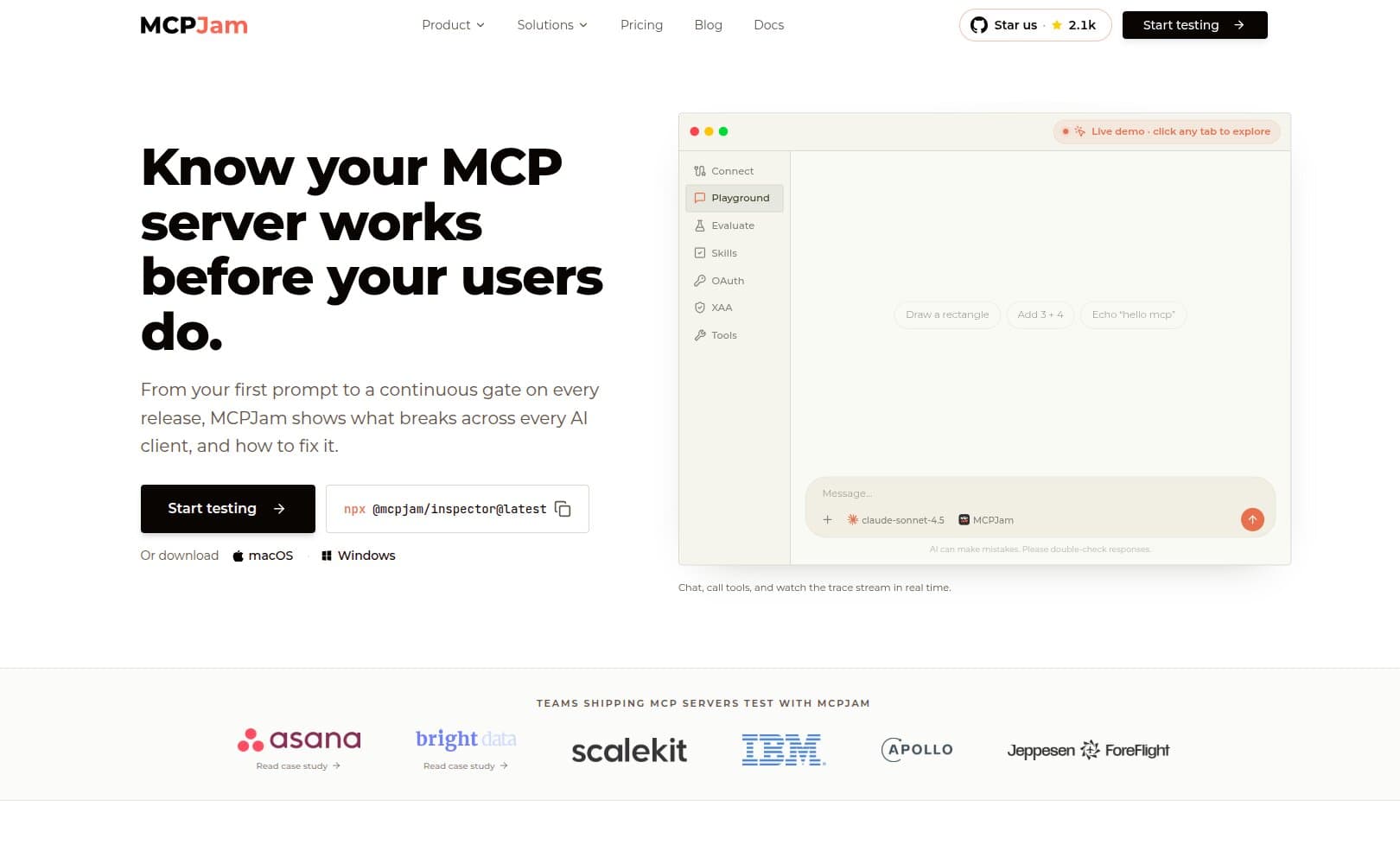
Its free Community tier includes the Inspector, Visual OAuth Debugger, JSON-RPC Logger, SDK, and public server registry, with a capped daily allowance of usage credits and eval iterations for solo builders. Paid Team and Enterprise tiers are also available, offering expanded usage limits, collaborative team workspaces, priority support, and advanced enterprise governance capabilities like SSO/SAML, custom RBAC, and audit retention.
Where it differs most from Inspector V2 is that it puts real clients and real models in the loop. Instead of manually clicking through a tool call, MCPJam runs actual prompts against Claude, ChatGPT, or Gemini to check whether that pairing selects the right tool with the right arguments, including running the same prompt across multiple client and model pairings side by side to compare accuracy, latency, and token usage.
MCPJam also supports multi-server workspaces with persistent test configurations and tool-call history, so you can test and reproduce a workflow spanning several connected servers instead of having to rebuild each session.
Its OAuth debugger renders authentication failures as sequence diagrams and validates registration methods (client pre-registration, Dynamic Client Registration, and Client ID Metadata Documents) across current protocol versions.
For UI and App testing, MCPJam offers a local emulator for fast iteration with no tunnel required, plus optional live tunneling to real hosts like ChatGPT and Copilot when you need to validate inside an actual client session. For CI, its CLI provides JUnit and JSON reporters, plus a TypeScript SDK for Jest and Vitest test suites.
If you need repeatable model evaluations, conformance matrices, and CI release gates on top of protocol-level debugging, this is the layer to reach for once Inspector V2's manual and scripted checks stop being enough.
mcptools: a local toolkit and interactive shell
mcptools describes itself as a Swiss Army Knife for MCP servers, a more accurate description than calling it a command-line substitute for a browser debugger.
Beyond listing and invoking tools, resources, and prompts, it includes:
- An interactive shell
- An optional web interface
- Server aliases
- Configuration management
- Mock MCP servers for testing clients
- A proxy mode that can expose shell scripts as MCP tools
It excels at scripting and shell-native workflows, and it's useful for mocking a server while you build a client. Inspector V2's native TUI narrows one of mcptools' traditional advantages, interactive terminal exploration without opening a browser. What's left as the sharper distinction is mcptools' shell-scripting and mock-server features, not terminal access on its own.
It's not designed as a managed evaluation platform, so it has no model accuracy history, hosted collaboration, or OAuth conformance matrix.
MCP Playground Online: a hosted browser tester with real model access
MCP Playground Online is a no-install browser tester that connects to remote HTTP, Streamable HTTP, and SSE servers, with tools, prompts, resources, live JSON-RPC logs, saved connections, request history, and side-by-side run comparison. Since it runs purely in the browser, it can't spawn or communicate with a local STDIO server directly. That needs a local bridge like Claude Desktop or Cursor sitting in between.
What sets it apart from a typical playground is its Agent Studio, which offers model-in-the-loop interaction across more than 40 model options. It also supports up to four MCP servers in a single chat, and exposes tool-call traces including arguments, results, and latency.
This makes it a solid option for quick model-based testing without installing anything, though it's less suited to private local development, repository-native test suites, or a full OAuth conformance workflow.
mcp-use and Manufact: a build-to-deploy framework
mcp-use is a full-stack framework for building MCP servers and MCP Apps in Python and TypeScript. It includes server and client libraries, an agent implementation, MCP App components, a built-in Inspector, a standalone hosted Inspector, and templates.
Manufact adds repository-based deployment on top of that, along with observability, metrics, logs, and branch deployments.
That combination makes it broader than an Inspector alternative. You can build with the SDK, preview with its Inspector, deploy through Manufact, and operate using its hosted logs and metrics. It is worth noting that Manufact's offering is focused on hosting and production operations, and does not focus on rigorous pre-production testing.
The trade-off is that its most cohesive experience comes from adopting its SDK and deployment workflow together. If your servers are already built on other frameworks, you can still use parts of the tooling, but the fully integrated path works best for teams starting fresh inside the mcp-use ecosystem.
Alpic: MCP-specific cloud hosting with built-in checks
Alpic is a cloud platform built around MCP specifically, covering repository and CLI deployments. It has separate development and production environments, authentication, analytics, custom domains, and registry publication. Its hosted Playground includes an AI-powered chat interface and rendering for MCP Apps and ChatGPT App widgets.
The standout piece is Beacon, which audits specification compliance, tool and resource metadata, and readiness for ChatGPT and Claude. The CLI can return JSON output with a failing exit code, making it usable as a CI check. Run it from the full dashboard instead, and you also get live browser widget tests.
One current limitation is that Beacon's CLI audit flow doesn't yet support authenticated MCP servers.
Beyond the audits, Alpic gives you infrastructure-level analytics covering sessions, users, tool calls, latency percentiles, success rates, and error tracking.
It is a strong fit if you want MCP-specific hosting, distribution, and launch checks in one place, though its audits and playground are not equivalent to maintaining a repeatable, multi-model evaluation suite with expected tool-call assertions.
Enterprise gateways: Prefect Horizon, Lunar MCPX, and MintMCP
These three sit further from day-to-day testing and closer to production operations, like deployment lifecycle, traffic aggregation, and organization-wide governance. They matter most if you're rolling servers out at scale rather than evaluating one in isolation.
Prefect Horizon is the production platform from the FastMCP team. It deploys any spec-compliant MCP server from Git repositories, though FastMCP servers get the fastest path to production. It assigns stable endpoints and handles preview and production promotion and rollback, and its gateway manages authentication, session routing, and metrics before requests reach server code.
Lunar MCPX aggregates multiple local and remote MCP servers behind one endpoint, adding service- and tool-level access controls, OAuth and static authorization, metrics, and audit logs. It connects clients such as ChatGPT, Claude, Cursor, and Copilot through a single governed endpoint.
MintMCP is an enterprise registry and access-control layer built around SSO, centralized credentials, role-based policies, and Virtual MCPs that bundle multiple connectors behind one endpoint. Admins can curate approved servers and review activity across the organization.
All three solve organizational problems like deployment lifecycle, traffic aggregation, identity and governance, rather than testing problems. None run a model against your server, compare tool-selection accuracy, or do anything that overlaps with what Inspector V2 or MCPJam are built for.
Conclusion
Inspector V2 is a solid upgrade. If you're getting a server's schema, transport, and auth working, it is the right place to start. Persistent catalogs, Apps rendering, a proper TUI, and OAuth support that finally covers all three clients are all real improvements over V1.
But protocol conformance was never the hard part of shipping an MCP server. The hard part is knowing whether a given client and model combination, working from a real prompt, selects the right tool with the right arguments. It's also whether that holds up across different clients and models, such as Claude, ChatGPT, and Gemini, across every server you connect at once, and across every release you ship afterward. A debugger, however capable, is not built to answer that question, which is why MCPJam exists.
MCPJam puts real clients and models in the loop against your server, tracks tool-selection accuracy over time instead of relying on someone's memory of the last manual test. It also validates OAuth and MCP Apps rendering across actual hosts, and gates your CI pipeline before a regression reaches production.
If you have outgrown clicking through Inspector by hand and you are preparing to ship, try MCPJam and see what it catches that manual testing did not.
Frequently asked questions
Does Inspector V2 replace Inspector V1?
Yes. V2 became the default official release on July 28, 2026. The project's own release notes describe V1 as fully deprecated, with no further work planned on that codebase. If you're starting new work, use V2.
Should I use the Web UI, CLI, or TUI?
They share the same underlying core, so the choice is about workflow rather than missing features. Use Web for visual inspection and OAuth walkthroughs, CLI for scripts and one-shot checks, and TUI if you want interactive exploration without leaving the terminal.
Does Inspector V2 support MCP Apps?
Yes. It has a dedicated Apps screen with sandboxed rendering, lifecycle status, logs, and messages. Just know its sandbox isn't guaranteed to behave identically to every production host.
Can Inspector V2 run in CI?
Its CLI can run one-shot protocol calls and basic connectivity checks in a pipeline, but it's not a full evaluation or release-gating system with stored test suites or accuracy tracking. If you need that, you'd typically add a dedicated platform like MCPJam alongside it.
Does Inspector test tool selection using real LLMs?
No. You can execute tools manually or via script, but Inspector doesn't run prompts through Claude, ChatGPT, or Gemini to check whether the model chose the correct tool.
Can Inspector connect to several MCP servers at once?
It can store many server definitions in its persistent catalog, but its core workflow centers on one active connection at a time rather than concurrent multi-server orchestration.
What is the difference between an Inspector, a playground, and a gateway?
An Inspector, like Inspector V2 or mcptools, is a local development and debugging tool for one developer working against one or a few servers. A playground, like MCP Playground Online, is a hosted, no-install environment for quick exploration or model testing. A gateway, like Lunar MCPX or MintMCP, sits in front of many production servers to handle access control, credentials, and traffic policy for an organization.
Which alternative is best for local development, deployment, governance, or evaluations?
For local development, Inspector V2 or mcptools. For deployment, look at Alpic, Prefect Horizon, or Manufact depending on your framework. For model-in-the-loop evaluations and CI release gates, MCPJam is the better pick.