3 MCP features you probably didn't know about
The MCP spec is constantly changing, the most recent updates being the latest November 25th spec change, and the announcement of MCP Apps (SEP-1865). Let's take a step back and look at three MCP features that have been in the spec for quite some time now, but don't get much attention.
All of these features are supported by MCPJam Inspector and MCPJam Playground.
Progress notifications
The spec supports progress notifications. This can be helpful if an operation, such as a tool call, is a long running task and would like to send progress updates to track progress. The spec says that anyone can send progress notifications to the other, but in most real use cases, it's going to be the MCP server running a long operation and sending updates to the client.
A real world example could be an Uber MCP server, where finding a ride takes a long time and the server must send notifications back to the client on the progress of that search.
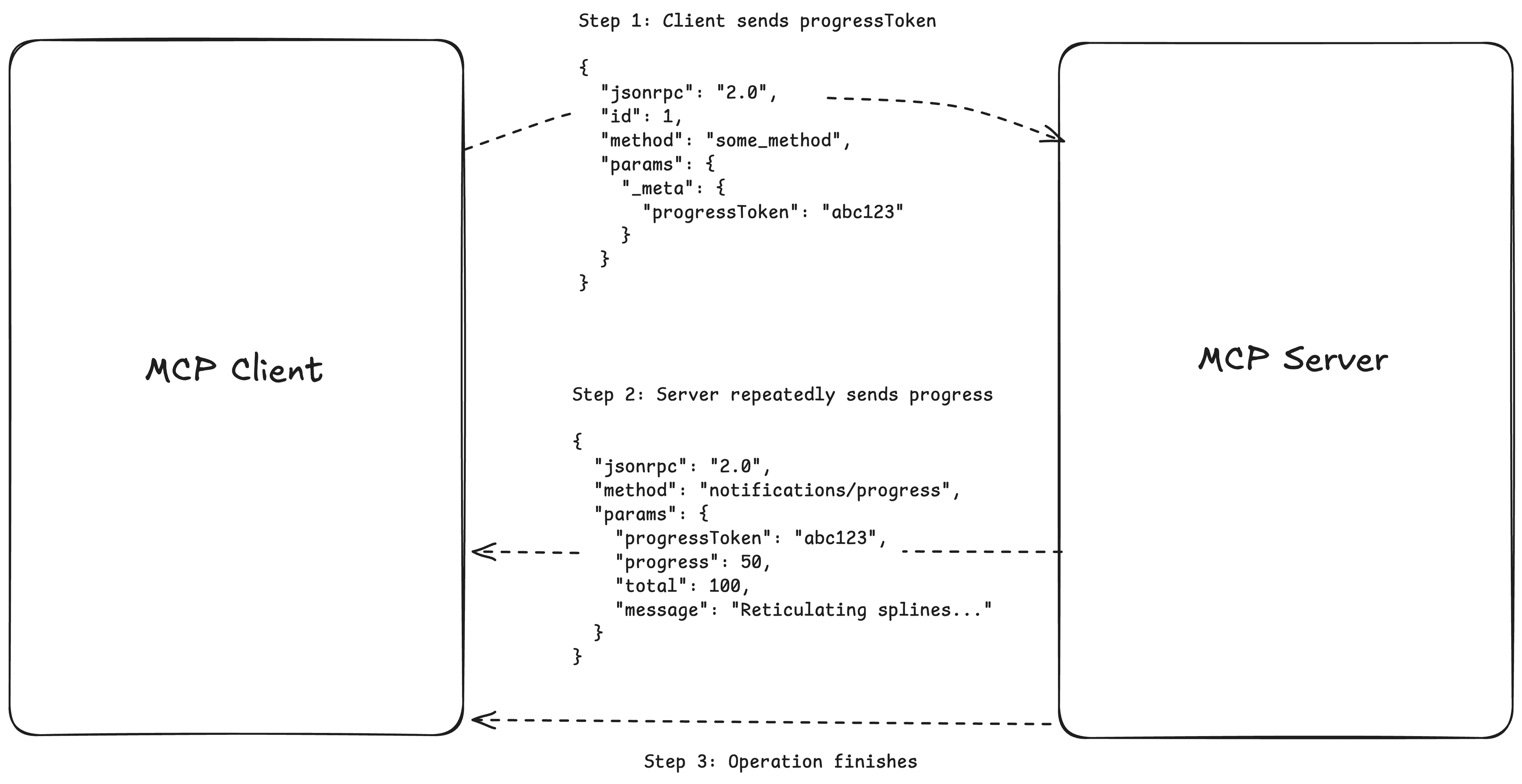
The MCP client will initiate a method, a tool call for example, and send the JSON-RPC message to the server along with a progressToken. The progress token is used by both sides to identify which long running task the progress notifications belong to. The progress tokens must be unique across every request.
{
  "jsonrpc": "2.0",
  "id": 1,
  "method": "some_method",
  "params": {
    "_meta": {
      "progressToken": "abc123"
    }
  }
}
The recipient of the request, most times the MCP server, will send progress notifications back to the client using the progressToken. The method for this is notifications/progress. This JSON-RPC message must contain the progressToken, a field progress that is the current progress so far, then optional "total" and "message" values.
{
  "jsonrpc": "2.0",
  "method": "notifications/progress",
  "params": {
    "progressToken": "abc123",
    "progress": 50,
    "total": 100,
    "message": "Preparing your order..."
  }
}
The requirements for setting up progress notifications is very straight forward, but this feature doesn't get much adoption because there's no guidance on how MCP clients should handle notifications coming in. It's up to interpretation. Clients may choose to use the notifications to render a progress bar, or they can choose to do nothing with it at all.
In MCPJam, you can test out progress notifications. With every request, MCPJam inspector will send the request with a progressToken attached. You can view your MCP server's progress notifications in the JSON-RPC logger.
Set log levels
There's a standard way for servers to send log messages to the client for debugging purposes. Clients can also control what kind of logs they want and don't want to receive from the server. The protocol has 8 levels of logs, ranging from debug to emergency in order:
| Level | Description | Example Use Case |
|---|---|---|
| debug | Detailed debugging information | Function entry/exit points |
| info | General informational messages | Operation progress updates |
| notice | Normal but significant events | Configuration changes |
| warning | Warning conditions | Deprecated feature usage |
| error | Error conditions | Operation failures |
| critical | Critical conditions | System component failures |
| alert | Action must be taken immediately | Data corruption detected |
| emergency | System is unusable | Complete system failure |
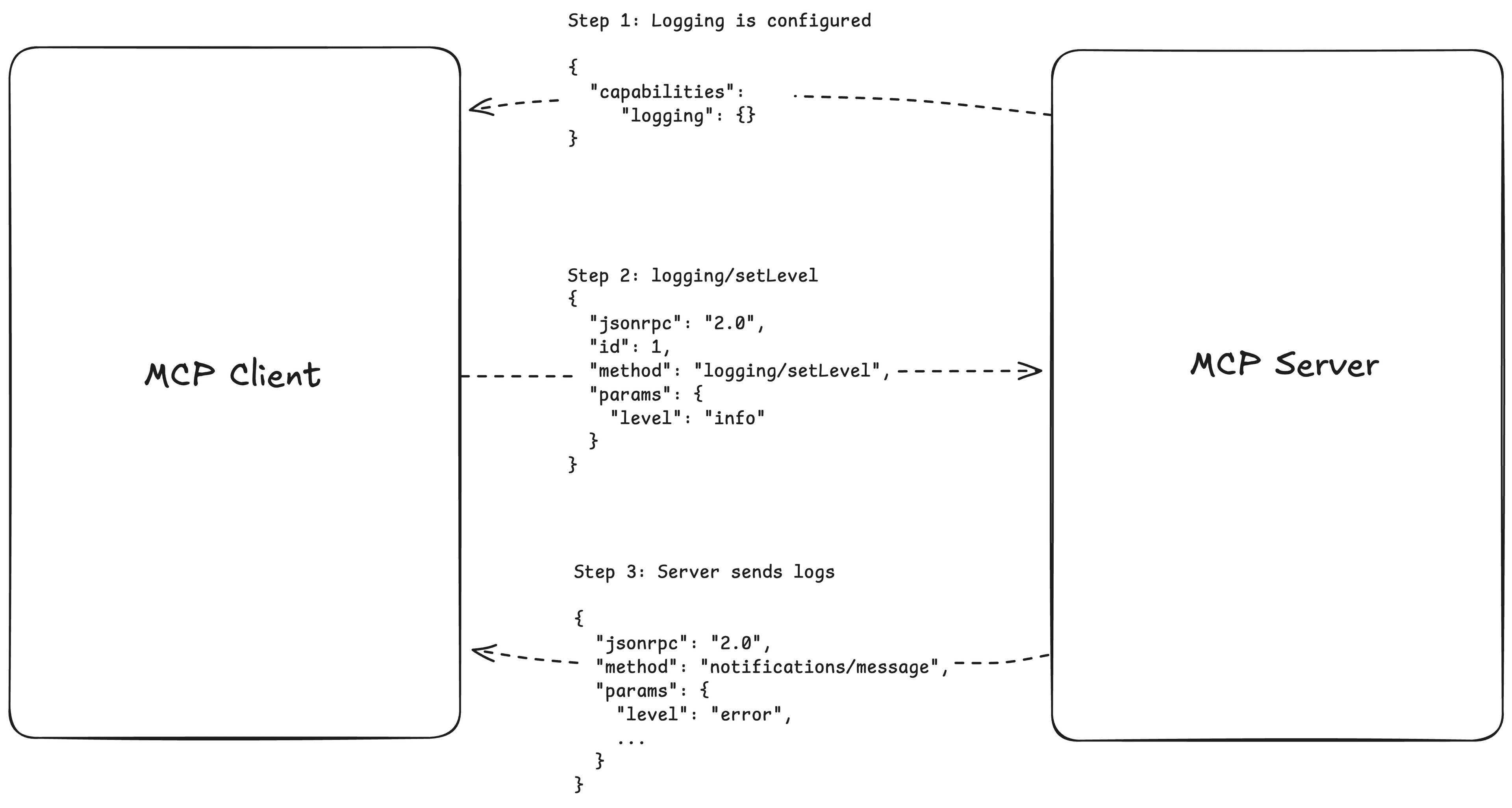
If your MCP server omits logs to the client, it must set the logging capability in the server's initiation.
  const server = new Server(
    {
      name: "example-server",
      version: "1.0.0",
    },
    {
      capabilities: {
        logging: {},
      },
      instructions
    }
  );
Clients can choose what minimum log level it wants to receive from the server by sending a logging/setLevel message to the client.
{
  "jsonrpc": "2.0",
  "id": 1,
  "method": "logging/setLevel",
  "params": {
    "level": "info"
  }
}
Servers then send logging messages back to the client via the notifications/message method.
{
  "jsonrpc": "2.0",
  "method": "notifications/message",
  "params": {
    "level": "error",
    "logger": "database",
    "data": {
      "error": "Connection failed",
      "details": {
        "host": "localhost",
        "port": 5432
      }
    }
  }
}
Subscribe to the blog
We share our learnings with you every week.
MCP icons
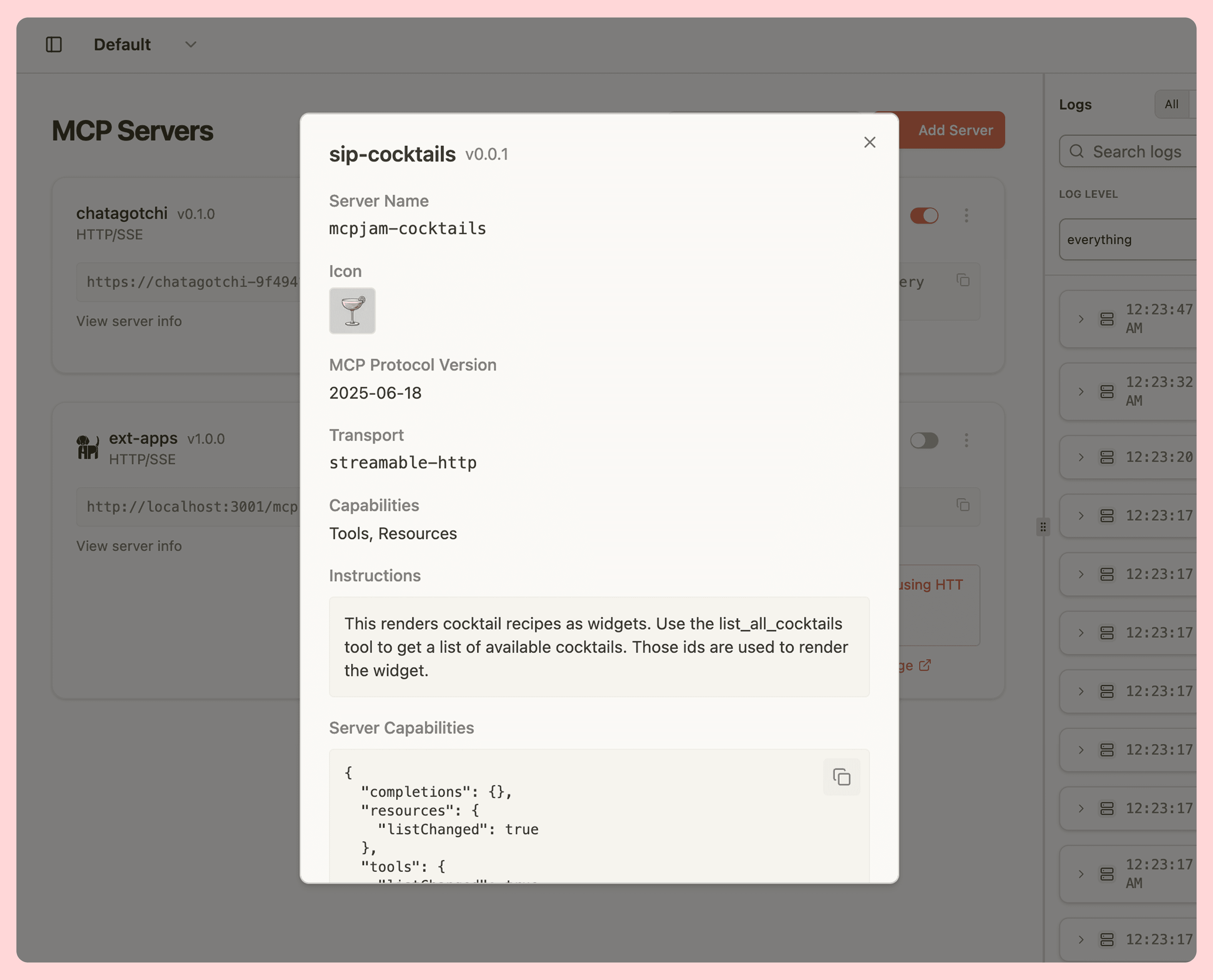
The MCP spec allows you to attach an icon to your MCP server. The MCP icon is an array of icons, each Icon object would have a src URL pointing to the icon, mimeType, and sizes.
There aren't many clients supporting MCP icons today, but I expect clients like ChatGPT and Claude to start using icons as part of the app when introducing their ChatGPT app store / Claude connectors. Adding an icon is a low effort way to bring an extra touch to your MCP server.
  const server = new Server(
    {
      name: "example-server",
      version: "1.0.0",
      icons: [{ src: "https://www.sipcocktailsapp.com/public/icon.png", mimeType: "image/png" }],
    },
    {
      capabilities: {
        logging: {},
      },
      instructions
    }
  );